
SEO + UX
Why Your Restaurant's Menu Shouldn't Be a PDF (And What To Build Instead)
Most restaurant menu pages fail for the same reason: the menu is designed for print, then forced onto the web.
In this guide you'll learn how to
- See why PDF menus make restaurant content harder to discover
- Spot the mobile UX friction that makes menu decisions harder
- Replace the PDF with a live page your kitchen can edit
- Keep the design your designer spent weeks on
Why Your PDF Menu Hurts Discoverability and Mobile Decisions
Many guests search online before choosing a restaurant.
Much of that searching happens on a phone.
And your menu is a PDF hiding behind a download button.
See the problem?
Keep in mind: Local intent is a major part of search behavior. If your menu is not on a real HTML page, clear dish, location, and service information is harder for search engines and guests to use.
1. Google Can't Read Your PDF The Way It Reads Your Pages
Search engines crawl HTML.
PDFs? Sort of. Google can index a PDF. But a PDF is missing the signals a real page has: headings, internal links, schema, alt text, freshness dates.
So when a hungry diner types “truffle pasta near me”, a PDF menu is harder to surface than a competitor's menu that lives on a real page.
Local intent is a major part of search behavior, which makes clear location, menu, and service information important for restaurant website design.
In my experience, restaurants that moved menus from PDF to HTML started showing up for dish-level searches they didn't even target: “carbonara”, “lobster roll”, “negroni happy hour”.
Pro tip: Every dish name on your menu is a potential search term. Put them in real<h2>and<h3>tags on a real page. Not baked into an image. Not trapped in a PDF.
2. PDFs Break On Phones
Menu checks often happen on mobile, sometimes minutes before a guest decides where to go.
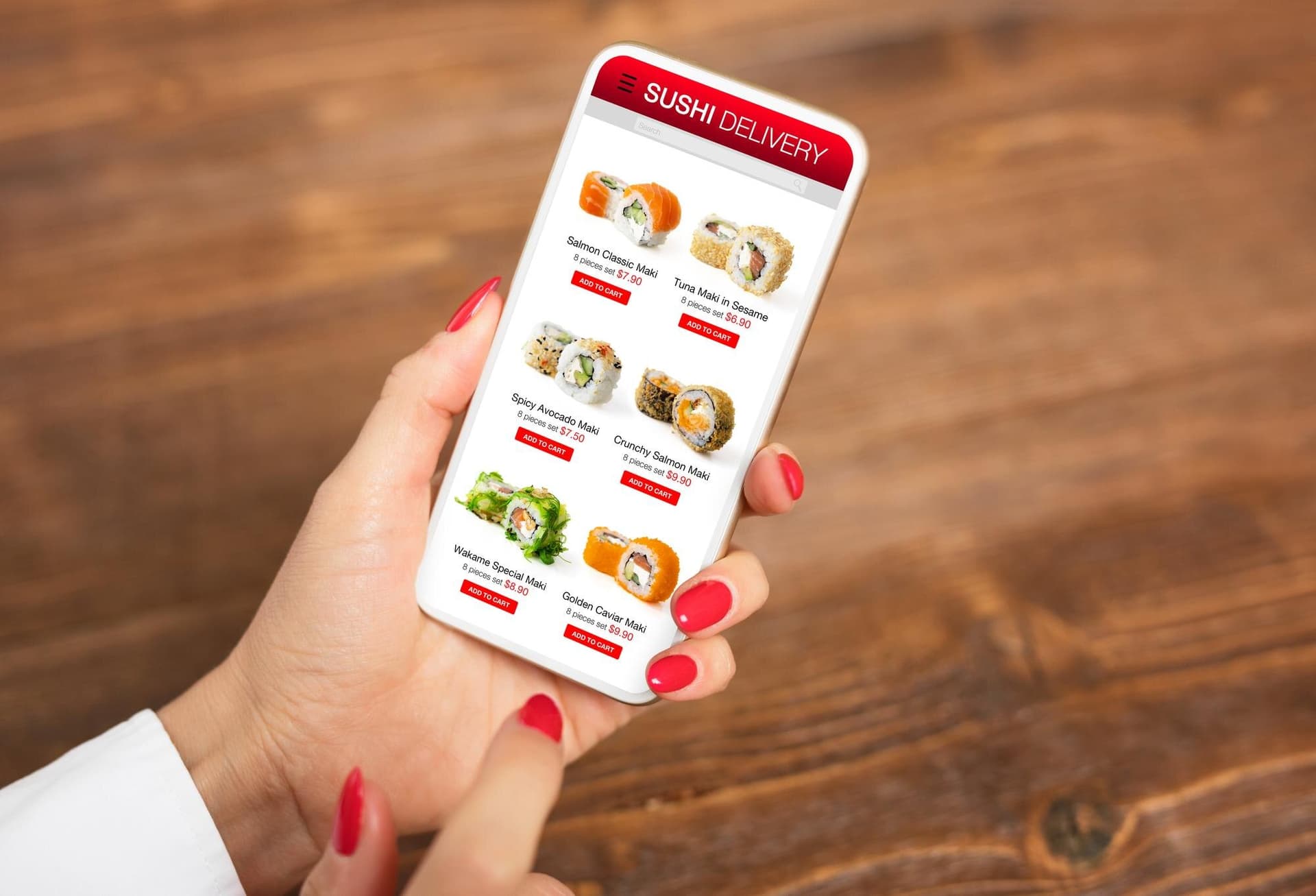
Now picture the mobile PDF experience:
- Tap the link
- Wait for the download
- Pinch
- Zoom
- Scroll sideways
- Leave for an easier option
Back in the day, I'd tell clients a PDF menu was fine because “it's what the designer sent”. Sometimes I was right. Most of the time I was wrong. Today, I look at the session length on a PDF menu page versus an HTML one. The difference can be obvious.
Remember: If your menu makes someone pinch to read it, your competitor's menu is one tap away.
3. PDFs Can't Do The Work A Page Can
A PDF is a picture of a menu. That's it.
A page can:
- Link directly to online ordering on the exact dish the reader is craving.
- Upsell at the right moment (“add a glass of the rosé the chef pairs it with”).
- Change by time of day so lunch shows until 3pm, dinner after.
- Flag sold-out items before the guest is disappointed.
- Capture data so you know which dishes get the most views but the fewest orders.
A PDF does none of that.
The point is, your menu is often one of the first pages guests look for. Treating it like a static poster makes an important decision point harder to use.
AI tip: AI Overviews and ChatGPT-style answers can interpret structured web content more easily than PDFs. Put your menu on an HTML page with proper schema so dish, category, and location information is easier to understand.
4. What To Build Instead
Skip the PDF. Build a live menu page.
Here's how:
- One page per menu (Brunch, Lunch, Dinner, Wine, Cocktails). Not one giant page with everything smashed together.
<h2>by category,<h3>by dish. Ingredients, allergens, and price as plain text under each dish.- Schema markup. Use
MenuandMenuItemso search engines understand what they're reading. - An “Order now” button tied to your ordering platform, repeated near each dish when it makes sense.
- A small “Last updated” line at the bottom. Diners trust a menu that looks like a living thing.
That's the minimum viable menu page.
Bonus tip: Add FAQPage schema for your three most-asked questions (gluten-free options, corkage, kids' menu). You'll pick up long-tail searches around common guest questions.5. How To Kill The PDF Without Losing Your Design
This is the part that stops most restaurants cold: “but our menu is designed.”
Good news.
You can keep the art and lose the PDF.
- Keep a designed version for print — the one the host hands out at the table. Nobody's crawling that.
- Rebuild the online version as HTML with the same typography, colors, and section order. Your designer can spec it; a developer can ship it in a week.
- Put the PDF download link below the HTML menu, not instead of it, for guests who still want to save a copy.
You get the brand. Google gets the content. Diners get a page that works.
Further reading: Malou.io's 30 Restaurant SEO Tips goes deep on on-page structure, local pack ranking, and review velocity for restaurants.
You've Got the Playbook. Now Use It.
With your menu moved to HTML, schema added, and online ordering linked at the dish level, you've got everything you need to turn menu views into covers.
But this isn't one-and-done.
The restaurants that win are the ones that treat the menu like a living page. Updating specials. Pruning losers. Watching what diners actually click.
So, what's next?
Pull the analytics on your current PDF menu today. If sessions are short and bounce is high, you have your answer. Build the page this week and put the PDF in the print folder where it belongs.